


You generally cannot enter a paper money order directly into an online bill-payment form. If your bank accepts money-order deposits, you may be able to deposit it and use the available funds to pay online. You can also mail a money order to a biller that accepts it or ask about a separate in-person bill-payment service. The best option depends on your bank, the biller’s instructions, and when the payment must arrive.
Order Express offers money-order and bill-payment services, but they are distinct services. Before visiting, confirm which services are available at your location and what payment methods are accepted.
Although a paper money order generally cannot be entered directly into an online payment form, other options may be available. Explore our Money Order Guide: Rules, Uses And Payment Comparisons for additional information about money orders and different payment methods.

Understanding How Money Orders Fit Modern Bill Payments
A money order is a paper payment instrument. Whether it can help you pay a bill depends on the payment methods accepted by your bank or biller.
What a Money Order Is
A money order is a prepaid paper payment instrument. You purchase it from an issuer or authorized seller and complete the payee information. The recipient may be able to deposit or cash it, subject to the receiving institution’s requirements. Unlike a personal check, a money order is generally funded at purchase, but that does not guarantee acceptance by every biller.
Why You Cannot Usually Use It Directly Online
A money order does not have the card or bank-account credentials normally requested by online bill-payment forms. You generally cannot type a money-order number into a biller’s website as payment. Some institutions may accept a money order for deposit, and some billers accept mailed money orders. Check the specific institution’s instructions before choosing either option.
How Order Express Bill-Payment Services Differ
Order Express advertises in-person bill-payment services for participating billers. That service should not be confused with depositing or redeeming an existing money order. Contact your preferred location to confirm whether your biller is supported, which payment methods are accepted, what fees apply, and when the payment is expected to be credited.
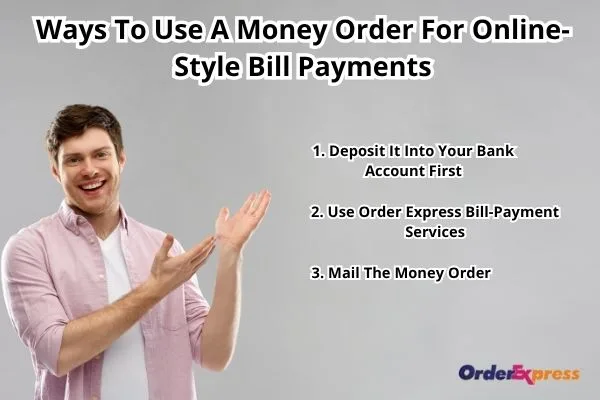
Ways To Pay Bills Using A Money Order
There are three practical paths to consider. Only the first may lead to an online payment using funds deposited from a money order. The other options depend on a biller’s accepted payment channels or a separate bill-payment service.
1. Deposit It Into Your Bank Account First
Ask your bank or credit union whether it accepts your type of money order and which deposit methods are available. Mobile or ATM deposits may not be supported. If the deposit is accepted, wait until the funds are available before using your bank’s online bill-pay service or another accepted electronic payment method. Check the payment delivery and posting schedule before your bill is due.
For general consumer banking information, visit the FDIC Consumer Resource Center.
2. Ask About Order Express Bill-Payment Services
Order Express offers bill-payment services at participating locations. Before visiting, check whether the service supports your biller and ask what forms of payment the location accepts. Bring the biller information requested by the provider and any identification needed for the transaction. Do not assume an existing money order can be used to fund the service unless Order Express confirms that option.
3. Mail the Money Order
First, confirm that the biller accepts money orders by mail and obtain its current payment address and instructions. Complete the payee and account-reference fields as directed. Consider trackable mailing and keep your purchase receipt. Allow time for delivery and processing, and verify that the payment has been credited. A delivery confirmation does not necessarily mean the biller has posted the payment.
For loan-specific mailing requirements, see Can You Use a Money Order to Pay Off Student Loans?.
Which Money Order Payment Method Should You Choose?
| Method | Best fit | What to confirm |
| Deposit, then pay online | You have a bank account and want to use electronic bill pay | Deposit acceptance, fund availability, and payment timing |
| Mail the money order | Your biller accepts mailed paper payments | Correct address, account reference, and posting deadline |
| Separate bill-payment service | You prefer an in-person service for a participating biller | Service availability, accepted funding methods, fees, and timing |
Money orders can be useful when you do not want to send cash or use a personal check. However, purchase fees, issuer limits, delivery delays, and recipient restrictions may apply. Check the relevant terms before purchasing or sending one.
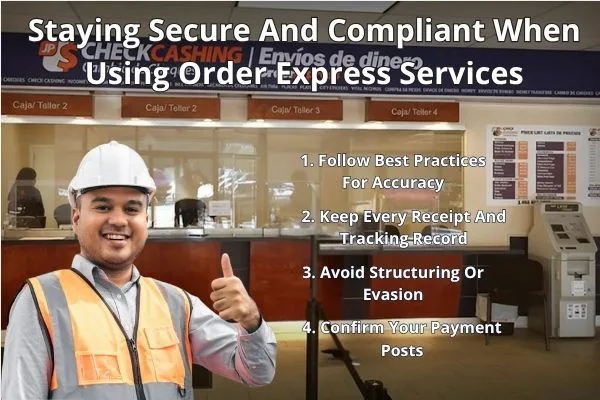
Tips For Accurate Payments And Recordkeeping
Check the Payee and Account Details
Follow the biller’s instructions when completing the money order. Confirm the payee name, amount, payment address, and account reference before sending it.
Keep Your Receipt and Payment Records
Retain the purchase stub and any mailing or transaction confirmation. If a payment is delayed or lost, contact the issuer or payment provider to ask about available tracing, replacement, or refund procedures. Eligibility and fees depend on the issuer’s terms.
Confirm the Biller Has Credited the Payment
Check your account through the biller’s official website or customer-service channel. Do not treat a money-order purchase receipt or postal delivery notice as confirmation that your bill is paid.
Be Prepared for Identification Requirements
A provider may request identification or other information depending on the service, amount, location, and applicable requirements. Ask the provider what you need before visiting.
Frequently Asked Questions
Can I use a money order to pay bills online?
Usually not directly. If your bank accepts the money order for deposit, you may be able to use the available funds for online bill payment.
Can I deposit a money order and then pay a bill online?
Possibly. Confirm that your bank accepts the instrument and wait until the funds are available. Then use a payment method accepted by your biller.
Can I mail a money order to pay a bill?
Yes, if the biller accepts money orders by mail. Verify the mailing address, account-reference instructions, and payment deadline first.
Can Order Express use my existing money order to pay a bill?
Do not assume so. Order Express offers bill-payment services, but accepted payment methods and participating billers must be confirmed with the location.
How do I know whether my bill was paid?
Keep your receipt and check with the biller to confirm that the payment was credited. Mailing or delivery confirmation alone may not establish that the payment was posted.
Final Thoughts
You generally cannot use a paper money order directly in an online bill-payment form. Depositing it into an accepting bank account may let you use the available funds for an electronic payment. Mailing it is another option when the biller accepts money orders. Order Express also offers separate bill-payment services, subject to location and biller availability.
Before choosing a method, confirm acceptance, fees, and timing. Keep your receipt and check that the biller credits the payment.
To ask about available services, you may find the nearest Order Express branch, or you may contact Order Express customer service.
Disclaimer: This article provides general information and is not legal or financial advice. Payment acceptance, fees, processing times, identification requirements, and available services vary by provider, biller, transaction, and location. Confirm current requirements with the relevant bank, biller, issuer, or Order Express location before making a payment.

John is a Content & SEO Specialist who enjoys breaking down complex financial topics, like cross-border payments and money transfers, into content that’s easy to understand. He focuses on creating practical, search-driven content that helps people find answers and make informed decisions.


